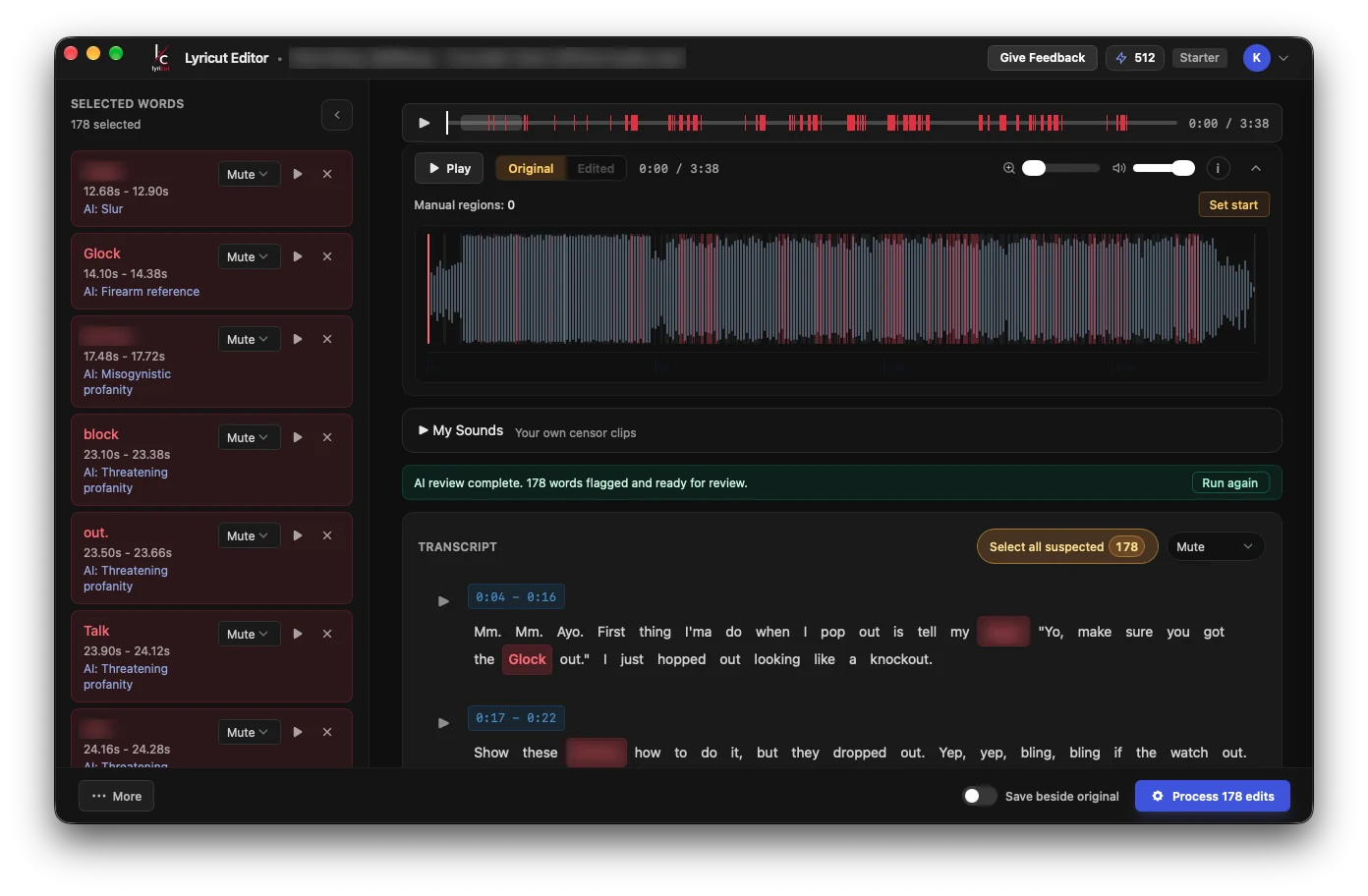
Desktop Editor · Public beta · v1.2.21
Your clean edit starts here.
Detect explicit words, make precise waveform edits, and clean a batch of tracks on your computer. Choose your download below.
This beta is not code-signed for Windows or notarized by Apple. Your computer may show a security warning. Read the installation instructions before opening the app.
Installation instructions
Windows
- Download and run the installer.
- If Windows SmartScreen shows “Windows protected your PC”, choose More info, then Run anyway.
- Follow the installer and open Lyricut Editor.
macOS
- Download the DMG for your processor. Check Apple menu → About This Mac if you’re unsure.
- Open the DMG and drag Lyricut Editor into Applications.
- If macOS blocks the app, open System Settings → Privacy & Security and choose Open Anyway. Confirm the prompt.
Windows portable download
Prefer to skip the installer? Download Lyricut Editor.exe and ffmpeg.exe into the same folder, then open Lyricut Editor. The installer includes ffmpeg automatically.
Prefer your browser? Use the Online Cleaner. For plans and songs, visit pricing.